

Commercial procurement
Turn a requirement into a confirmed supply list.
Commercial buyers rarely need a catalogue — they need the right products, confirmed. Firefork works from your requirement to a supply list that sets out what will arrive, in what quantity, on what terms.
- 01Seven steps
- 02Principles
- 03The supply list
- 04Before you order
01 / Seven steps
From requirement
to confirmed supply.
Each step narrows the options until there is a product list you have agreed. Nothing is supplied on an assumption.
- Input
Requirement
What you serve, how, and where the packaging fits in.
- Define
Specification
Product type, material, format and application defined.
- Search
Source
Products that match the specification are identified.
- Compare
Alternatives
Options set out where more than one product could work.
- Check
Quantity
Case sizes and volumes aligned with your usage.
- Confirm
Confirmation
Product, price, lead time and delivery agreed with you.
- Supply
Supply
Fulfilled to the confirmed list and arrangements.
02 / Principles
How alternatives
are handled.
Sourcing in foodservice packaging means dealing with change — formats are updated, lines are discontinued, availability moves. These are the principles that keep your supply list under your control.
- 01
No substitutions without approval
If a confirmed product becomes unavailable, alternatives are put to you before anything changes on the order.
- 02
Like-for-like is checked, not assumed
An alternative is compared on the points that matter — material, size, closure, application — not just the category name.
- 03
Commercials confirmed per order
Pricing, lead times and delivery arrangements are confirmed individually rather than taken from a fixed list.
- 04
Documentation where it exists
Available supplier information is shared for the products on your list.
03 / The supply list
What a confirmed
list sets out.
Before an order is confirmed, the details that matter to your kitchen should be clear. These are the points Firefork aims to set out for each product on a confirmed supply list.
Product information sheet
Example data| Field | Value | What it tells you |
|---|---|---|
| 01 Product | Not shown | The specific product, not just the category. |
| 02 Material | Not shown | What it is made from, including coatings or liners. |
| 03 Dimensions | Not shown | Sizes and capacities from the product data. |
| 04 Pack quantity | Not shown | Units per pack and per case. |
| 05 Intended use | Not shown | The application the product is designed for. |
| 06 Availability | Not shown | Checked at the time of the order. |
| 07 Lead time | Not shown | Confirmed for the specific order. |
| 08 Delivery | Not shown | Arrangements agreed per order. |
| 09 Supplier information | Not shown | Documentation available for the product. |
Confirmed per product at enquiry stage

Procurement context
Supply starts with the requirement, not the catalogue.
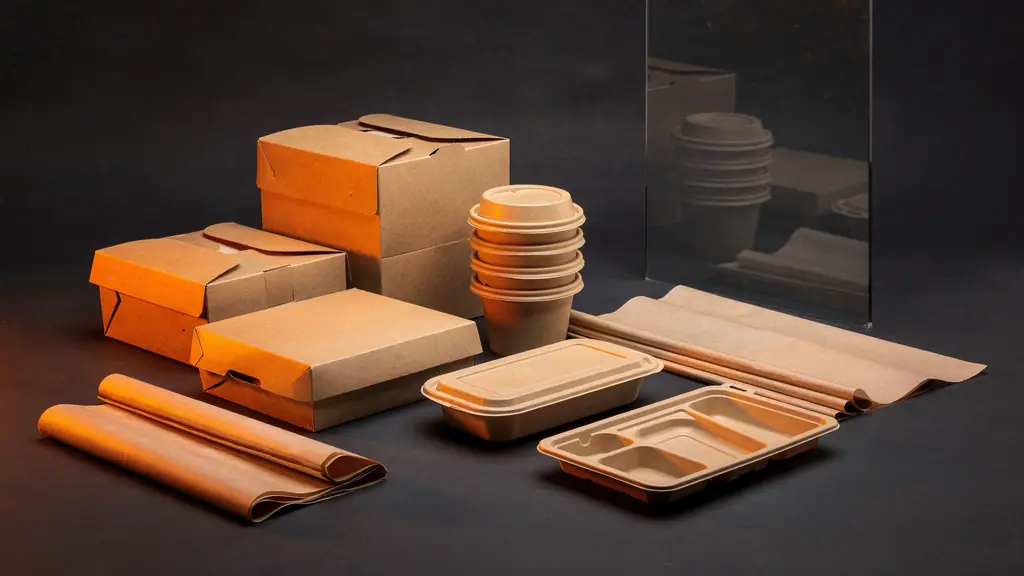
Packaging cases, counters and kitchens are where procurement decisions end up. Photography shows general packaging and hospitality context.


Supply enquiry
Send us the
requirement.
A menu, a current product list or a rough description is enough to start. We’ll work it into a specification and options to confirm.
Useful to include
- 01 Food type and service model
- 02 Packaging or consumable categories
- 03 Material preference, if any
- 04 Approximate quantities
- 05 One-off or repeat requirement
- 06 Delivery postcode and timeframe